
Access your certificate
IMPORTANT You need to be logged into your account to access your certificate(s). If you are having difficulties signing into your account, here are the instructions for resetting your password.
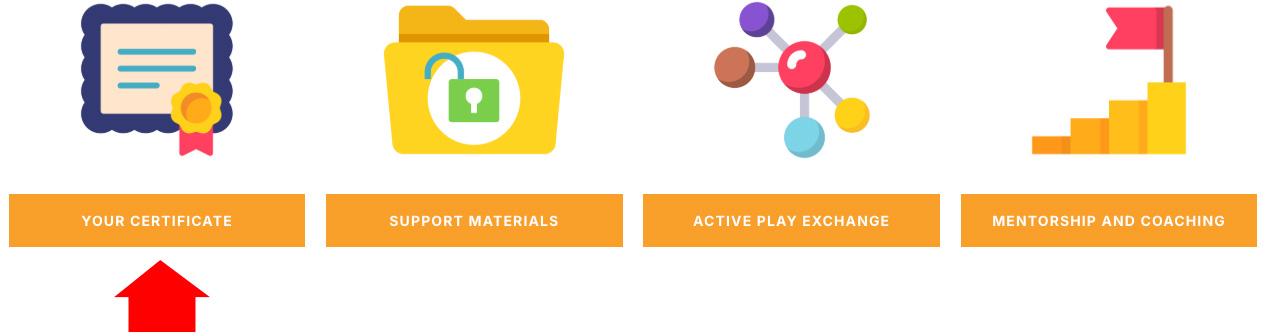
- Sign into your account and click on the Certificate icon.
-
Your Student Dashboard is where you will find all of the Learn Through Active Play certificates you’ve earned so far. Click on the certificate icon for the certificate you want to view.
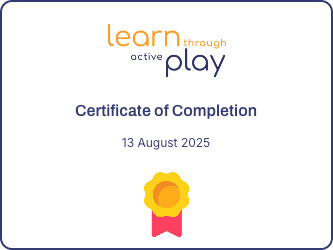 Clicking the certificate icon will open your full certificate showing your name, the date, and the hours for your PD. You will have the option to print, download, or share your certificate.This certificate is permanently available on your account to access at any time.